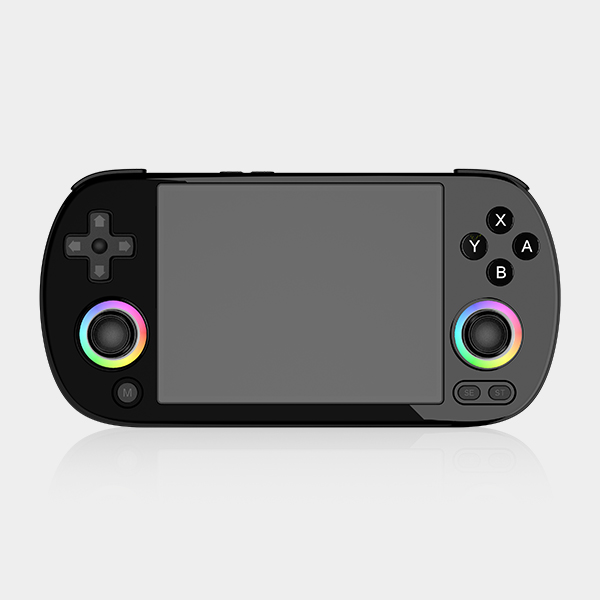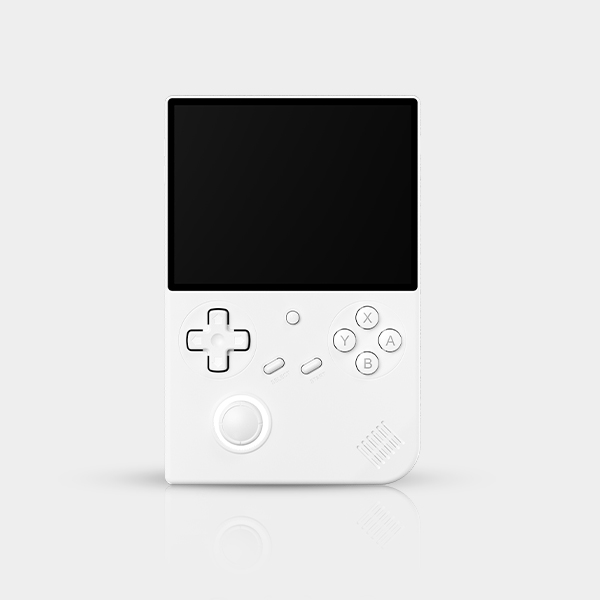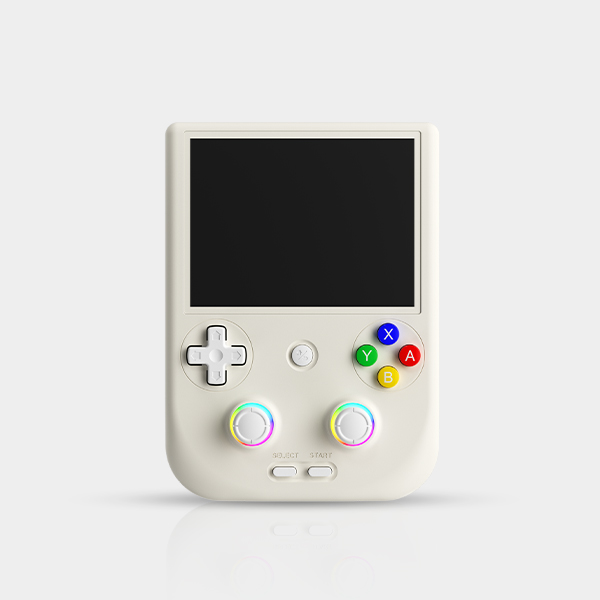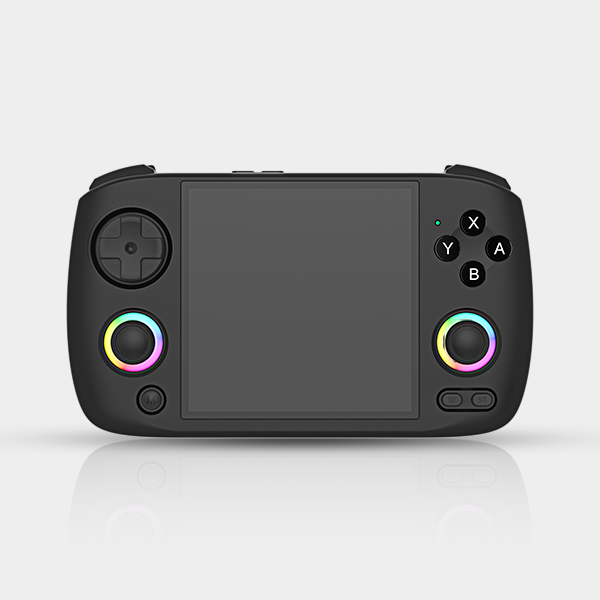


LCD Firmware Flashing and Recognition Method:
1. Open the 固件升级程序.exe in the LCD Firmware Flashing Tool and select the ufw firmware.
2. Press and hold the CAP button.
3. Connect the USB cable, ensure the switch is in the OFF position.
4. Release the CAP button when the screen displays "Charging". The device will then be recognized.
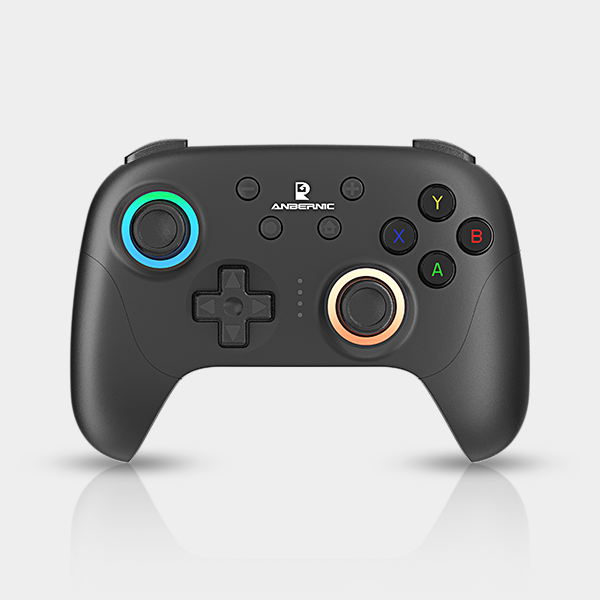
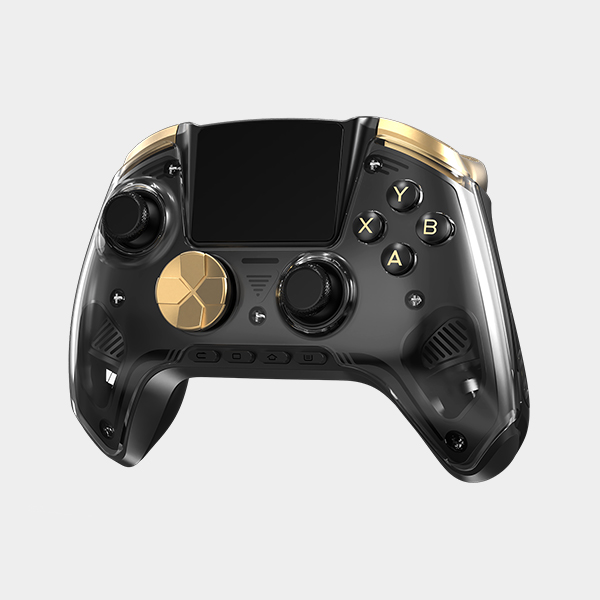
Controller Firmware Flashing Method:
With the controller powered off, press and hold the L3 button while plugging in the USB cable to upgrade the firmware.
Please calibrate the controller after the upgrade.
https://drive.google.com/file/d/1MxmiW1jGRmejX3WHXXIvU_lWkiFjoLi5/view?usp=sharing
https://we.tl/t-PSru3VkzueOaoA9W
Add a semi-automatic TURBO option
Add an option to set the outer dead zone as circular or square
Optimize the vibration adjustment levels
Fix known bugs